OpenChatly on your desktop.For macOS, Windows and Linux.
The OpenChatly app in its own window. Hand an agent a task from any app with one shortcut, and see at a glance when its work is done.
macOS 10.15 or later, one universal build · Windows 64-bit · Linux AppImage, x86_64
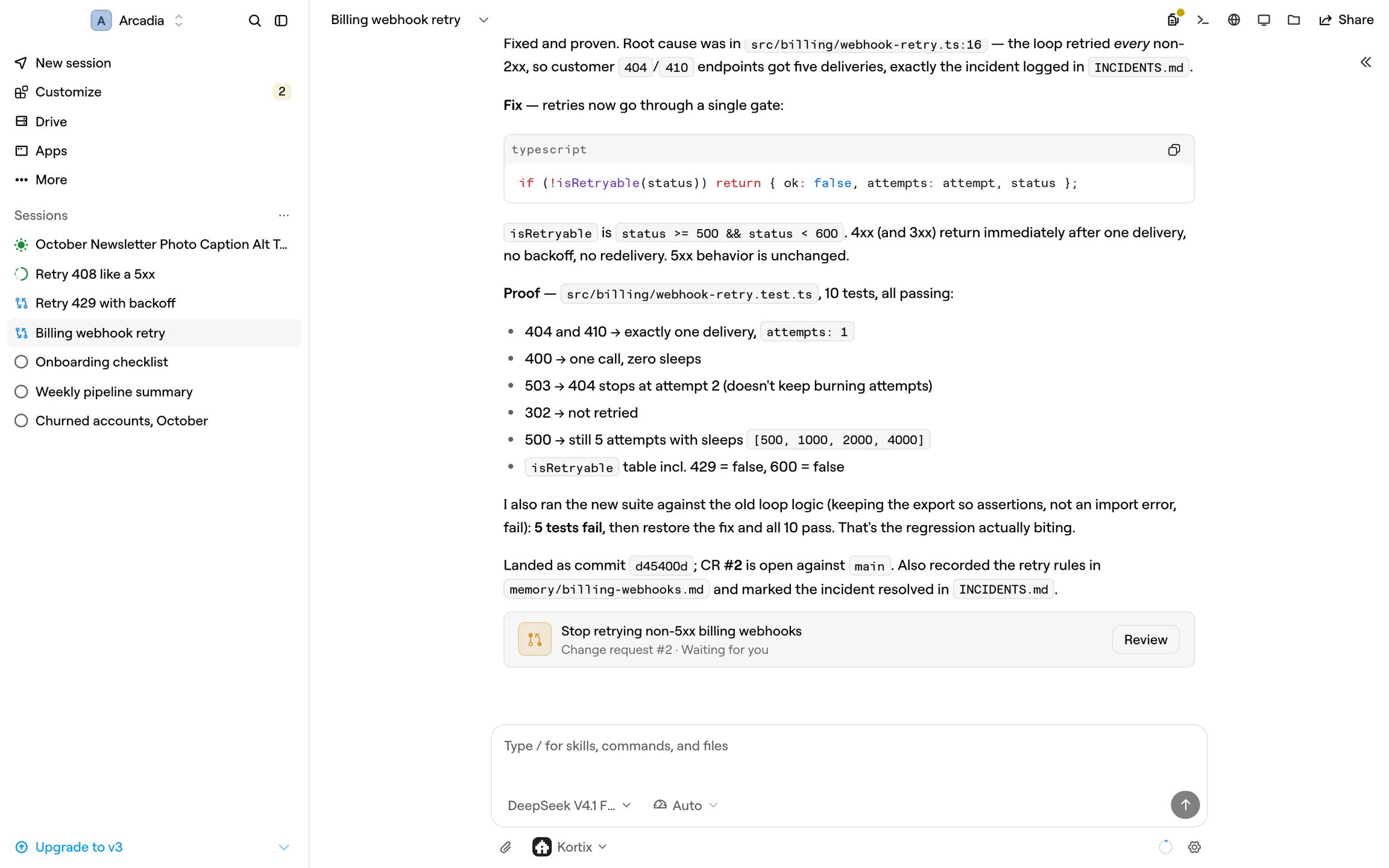
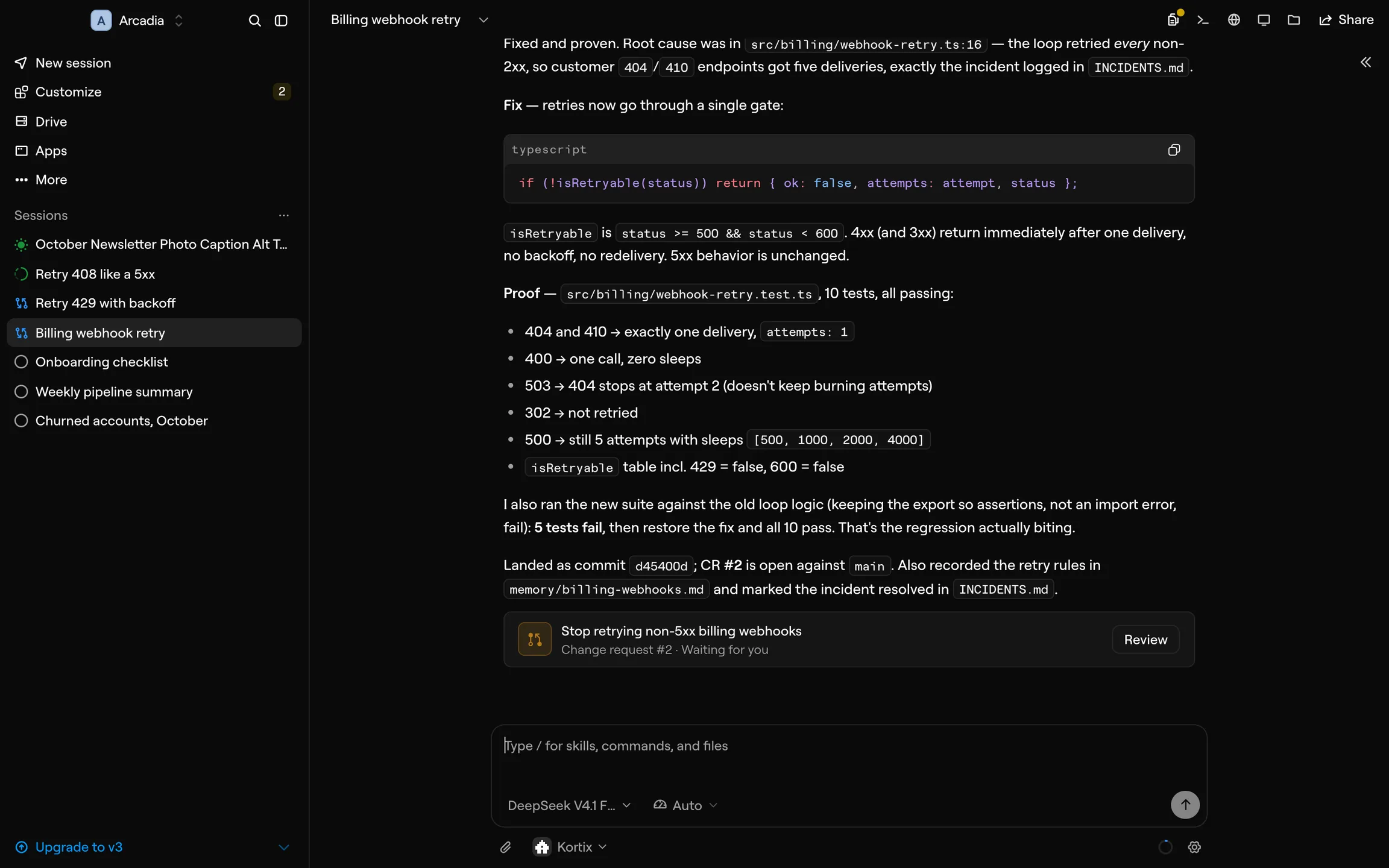
A real session in the desktop app. The agent fixed the bug, proved it with tests and opened a change request.
A native app, not a browser tab. Four things the desktop adds.
Quick EntryA prompt bar over any app.
⌘⇧Space on a Mac, Ctrl+Shift+Space on Windows and Linux. Type the task, press Enter.
A badge for finished workOn the Dock or the taskbar.
It counts the sessions with a finished turn you have not read.
This computer, if you allow itFiles, shell and screen.
Connect it, and an agent can work on your own machine, for as long as you allow.
Always currentIt updates itself.
When an update is ready, choose Restart now or Later.
How the desktop app works.One shortcut, one computer, one badge.
Hand off a task from any app
Press ⌘⇧Space in any app. Type the task and press Enter: OpenChatly starts a new session in the project you have open.
The picker sends it to one of your 5 most recent sessions instead. Attach up to 10 files of 20 MB each, or a screenshot on macOS.
Use it from anywhere. The same agents, files and sessions on every surface.
Questions.Answered from the code.
Anything else, write to the team.
Do agents run on my computer?
No. Every session runs on its own cloud computer. The desktop app is the OpenChatly web app in a native window. An agent uses your computer only after you connect it, and only for what you allowed.
Which systems does it run on?
macOS 10.15 or later, as one universal build for Apple silicon and Intel. Windows 64-bit. Linux as an AppImage for x86_64; there is no arm64 build.
Can I change the Quick Entry shortcut?
Yes. The Quick Entry Shortcut menu offers ⌘⇧Space, ⌥Space and ⌥⇧Space on a Mac, and the same keys with Ctrl and Alt on Windows and Linux.
Can I point the app at my own OpenChatly instance?
Yes. On first launch, choose OpenChatly Cloud or your own instance. Change it later with Change OpenChatly Instance… in the menu.